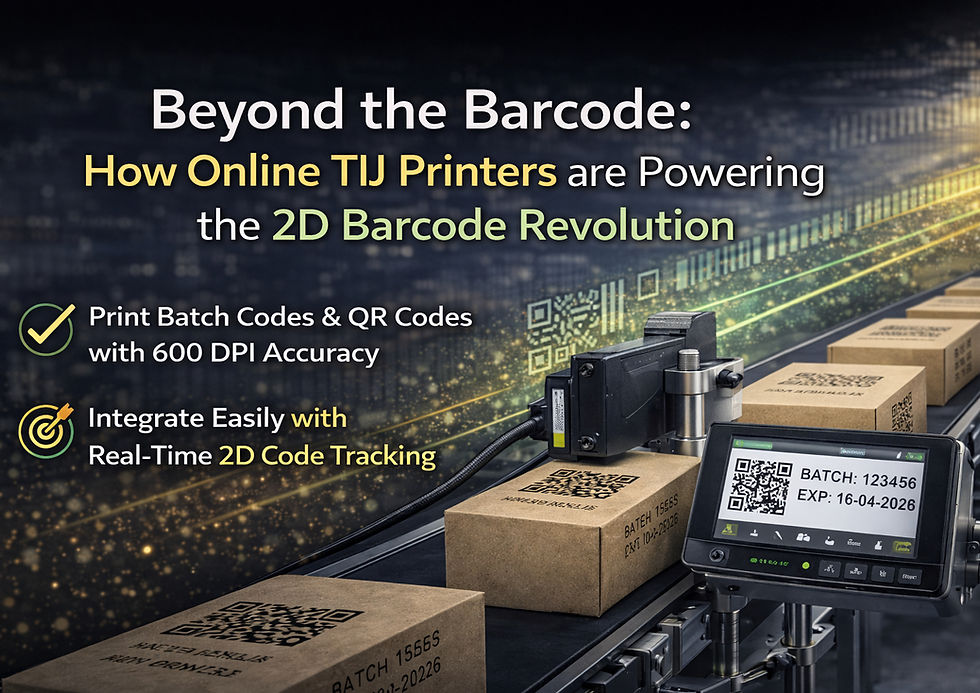
How Online TIJ Integrates with Conveyor Lines: A Visual Walkthrough
Introduction
If you are planning to upgrade from a handheld TIJ printer to an online system, one of the first questions that comes to mind is: how does it actually integrate with my existing production line?
This guide walks you through the complete process in a simple and practical way, so you can understand exactly how an online TIJ printer works with conveyor systems.
The Basic Setup
An online TIJ printer system typically consists of three main components:
Print Head - Contains the ink cartridge and firing mechanism
Controller Unit - A touchscreen or PC-based interface used to create and manage print templates
Mounting Bracket/Stand - Positions the print head accurately relative to the product on the conveyor
Together, these components form a compact and efficient automated batch coding system in India.
Step 1: Position the Print Head
The print head is mounted on an adjustable bracket alongside the conveyor line.
The placement depends on where you want the print on your product
The standard gap between the print head and surface is 1-5 mm
Adjustable mounts allow flexibility for different product sizes and shapes
This setup ensures consistent results when using a TIJ printer with conveyor belt systems.
Step 2: Install the Product Sensor
A photoelectric sensor is installed on the conveyor to detect incoming products.
It identifies each product as it approaches the print head
Sends a signal to the controller
The controller triggers printing at the exact moment
This synchronization ensures precise and repeatable printing essential for batch coding conveyor lines in India.
Step 3: Create Your Print Template
Using the controller interface, you can design and save print templates that include:
MRP
Batch code
Manufacturing date
Expiry date
Barcode
Logo
Templates can be stored and instantly switched, making this ideal for a production line inkjet printer setup.
Step 4: Set Line Speed and Test
To ensure accurate printing:
Input the conveyor line speed into the controller
Run test prints on sample products
Adjust sensor position and timing if required
Most systems are fully operational within 1-2 hours, making online coding machine installation in India quick and hassle-free.
Multi-Head Configurations
For more complex requirements:
Multiple print heads can be connected to a single controller
Used for:
Wider print areas
Printing on multiple sides of a product
This flexibility makes online TIJ printer conveyor integration in India highly scalable for growing production needs.
Conclusion
Integrating an online TIJ printer with your conveyor line is far simpler than it seems. With the right setup, you can achieve fast, accurate, and fully automated batch coding.
Avant Garde Industries provides complete support from installation to operator training ensuring your production line runs smoothly with minimal downtime.